
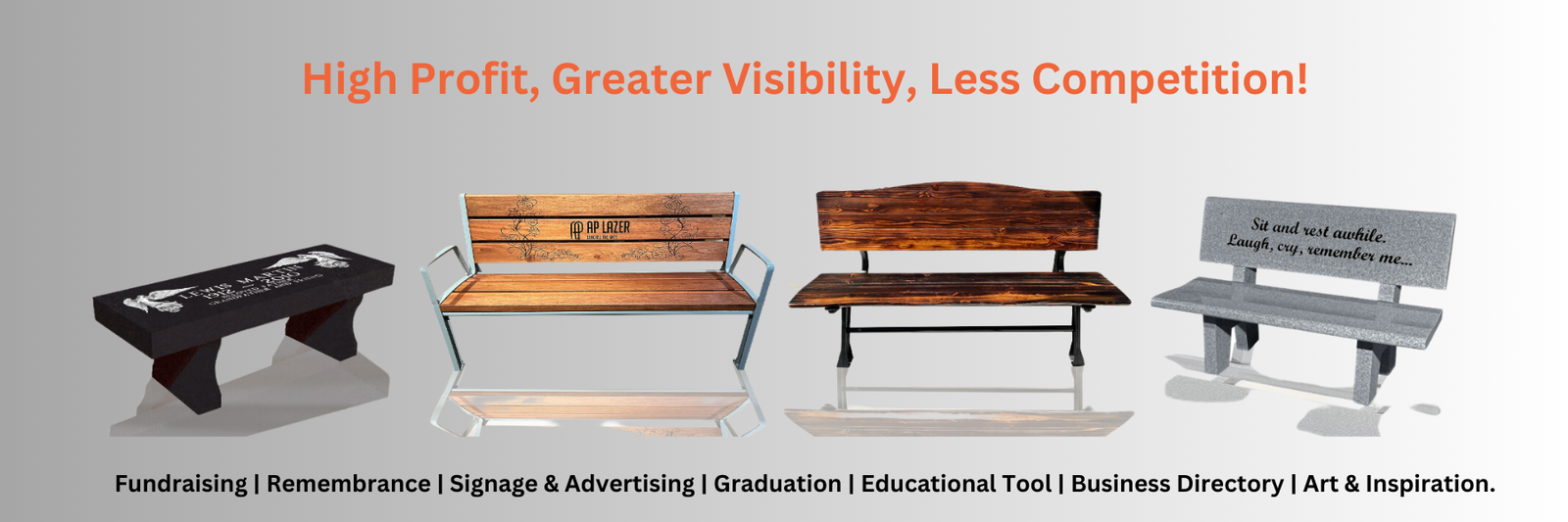
Once your bench is in place, it’s time to create your design.
One of the biggest advantages of owning an AP Lazer is the freedom to use industry-standard software like LightBurn or RDWorks. Unlike many laser manufacturers, AP Lazer doesn’t lock you into expensive proprietary software or force you to learn a custom program. If you’re already familiar with LightBurn or RDWorks, you can start designing right away. If you’re new to laser engraving, both programs are intuitive and easy to learn.
Simply type your customer’s text, import a logo, memorial graphic, family name, or even a photograph, then size and position it exactly where you want it on the bench. LightBurn’s design tools and preview features make it easy to arrange your artwork with confidence before you ever fire the laser. You can also frame the design on the bench to verify the exact engraving location, ensuring everything is perfectly aligned.
Whether you’re creating a simple family name or an intricate memorial design, the process is fast, straightforward, and repeatable. And if you need a bit more guidance on how to get started, we have plenty of tutorials on our YouTube channel for you to browse through, too.